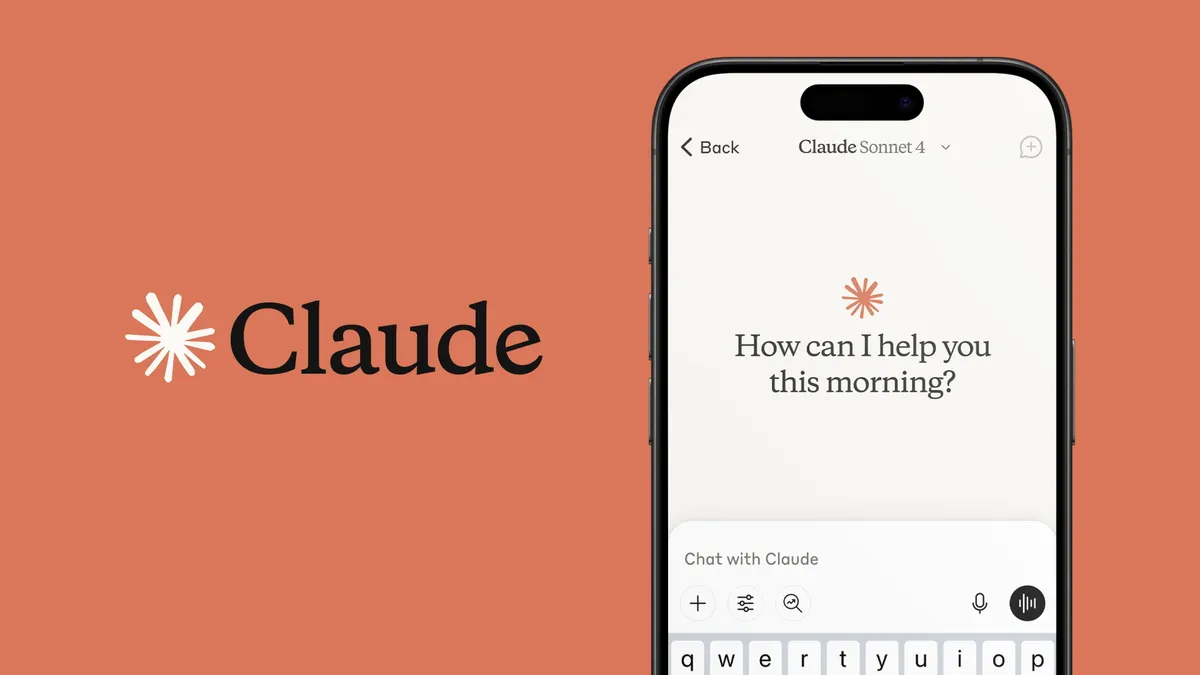
In February 2026, Claude from Anthropic remains one of the most respected AI chatbots, praised for its polished responses, strong ethical alignment, exceptional coding abilities, and transparent reasoning. With the Claude 4.5 family (including Opus 4.5, Sonnet 4.5, Haiku 4.5) dominating late 2025 benchmarks, Claude excels at complex reasoning, long-document analysis, and safe, helpful interactions.
Claude’s key 2026 features, real-world performance, pricing, strengths and limitations, step-by-step how-tos, comparison tables, tips for worldwide users. seeking a reliable daily AI companion, here’s everything you need to know about Claude today.
Core Features & Strengths in 2026
Claude’s standout qualities include:
- Superior Reasoning & Transparency — Thinking mode shows step-by-step logic; strong on graduate-level tasks (GPQA, MMLU).
- Best-in-Class Coding — Claude Code (agentic tool) builds, debugs, and prototypes apps with high accuracy.
- 200K+ Context Window — Handles massive documents, codebases, or long conversations.
- Ethical & Safe Design — Constitutional AI reduces harmful outputs; ad-free experience.
- Artifacts & Projects — Interactive previews (code, diagrams); organized knowledge bases.
- Multimodal — Image understanding and analysis (though generation limited).
- Claude Live & Voice — Natural conversations with screen sharing.
Claude shines in professional workflows: developers love it for clean code; writers for nuanced drafts; researchers for cited reports.
Claude Models Comparison (2026)
| Model | Strengths | Speed / Cost | Best Use Cases | Availability |
|---|---|---|---|---|
| Claude Opus 4.5 | Deepest reasoning, complex analysis | Slower / Higher ($5–$25/M tokens) | Research, strategy, long docs | Pro / Max / API |
| Claude Sonnet 4.5 | Balanced intelligence + speed | Fast / Mid ($3–$15/M tokens) | Coding, daily tasks, workflows | Free / Pro / API |
| Claude Haiku 4.5 | Ultra-fast, efficient | Fastest / Lowest ($1–$5/M) | Quick replies, high-volume chat | Free / API |
Sonnet 4.5 is the sweet spot for most users in 2026.
Pricing & Access (February 2026)
| Plan | Monthly Cost (USD) | Key Limits & Perks | Best For |
|---|---|---|---|
| Free | $0 | ~50–100 messages/day, Sonnet 4.5 access | Casual use, testing |
| Claude Pro | $20 | 5× usage, all models, priority access | Individuals, creators |
| Claude Max | $100–$200 | 5×–20× Pro usage, highest priority | Power users, heavy workflows |
| Claude Team | $30/user | Shared workspace, higher limits | Small teams |
| API | Pay-per-token | Opus 4.5: $5–$25/M tokens; Sonnet: $3–$15/M | Developers, apps |
Pro ($20/mo) unlocks the full experience for most people.
Real-World Performance & Limitations (2026)
Strengths:
- Exceptional coding & debugging (Claude Code often called “strongest coding brain”)
- Polished, human-like writing with fewer hallucinations
- Transparent reasoning (shows thought process)
- Safe, ethical outputs — ideal for professional/educational use
- Artifacts for interactive previews
Notable Limitations:
- Slower than some rivals in raw speed (especially Opus)
- Weaker in advanced math vs. some competitors
- No native image generation (analysis only)
- Usage caps even on paid plans can frustrate heavy users
- Smaller ecosystem/plugins than ChatGPT
Review consensus (2026): 4.4–4.8/5 — tops charts for coding and reasoning; slightly behind in creative versatility.
Claude vs. Competitors (2026 Quick Comparison)
| Feature | Claude (4.5) | ChatGPT (GPT-5 era) | Gemini | Winner |
|---|---|---|---|---|
| Coding & Reasoning | Excellent | Versatile | Strong | Claude |
| Multimodal | Image analysis | Strong gen & vision | Excellent | Gemini |
| Speed | Mid–Fast (Sonnet) | Fast | Very fast | Gemini |
| Context Window | 200K+ | ~200K | 1M+ | Gemini |
| Ethical/Safety | Top-tier | Good | Good | Claude |
| Price (Premium) | $20/mo | $20/mo | $20/mo | Tie |
Claude leads in precision and safety; Gemini in multimodal and speed.
How-To: Get Started & Use Key Features (2026)
1. Start with Free Claude
- Visit claude.ai or download the Claude app (Android/iOS).
- Sign in (Google/Apple/email).
- Start chatting: “Explain quantum computing simply” or upload code for review.
2. Upgrade to Pro
- On claude.ai → click Upgrade or go to Settings → Subscription.
- Choose Pro ($20/mo) → unlock all models, higher limits, Projects.
- In chat: Switch models (Opus 4.5/Sonnet 4.5) via dropdown.
3. Use Claude Code (Agentic Coding)
- In Pro/Max → start new chat → prompt: “Build a React todo app with dark mode.”
- Claude plans → writes code → creates Artifacts (live preview).
- Iterate: “Add user authentication” → Claude updates automatically.
4. Run Deep Research
- Prompt: “Deep research on AI ethics trends 2026 with sources.”
- Enable Thinking mode → see reasoning steps.
- Export as PDF or copy with citations.
Low-data tip (Gaya/Bihar): Use mobile app; chat is efficient; download images offline when possible.
Quick Tips for 2026
- Use Projects to organize chats/knowledge bases.
- Enable Thinking for transparency on complex tasks.
- Prompt specifically: “Act as senior Python dev; refactor this code.”
- Combine with Artifacts for interactive outputs (diagrams, apps).
- Check monthly updates — Anthropic ships fast.
FAQs: Claude Review 2026
1. Is Claude free?
Yes — basic access with daily limits; Pro ($20/mo) unlocks full power.
2. What are Claude’s top 2026 features?
Claude Code (agentic coding), Artifacts, 200K+ context, Thinking mode, strong reasoning.
3. How does Claude compare to ChatGPT?
Claude wins in coding, safety, and precision; ChatGPT is more creative/versatile.
4. Is Claude good for coding?
Yes — often rated #1 for clean, accurate code generation and debugging.
5. Any major limitations?
Slower than some rivals; no native image generation; usage caps on paid plans.
6. Best for students/professionals?
Excellent — strong reasoning, research reports, coding help.
7. Biggest downside?
Can feel overly cautious/verbose; smaller ecosystem than ChatGPT.
