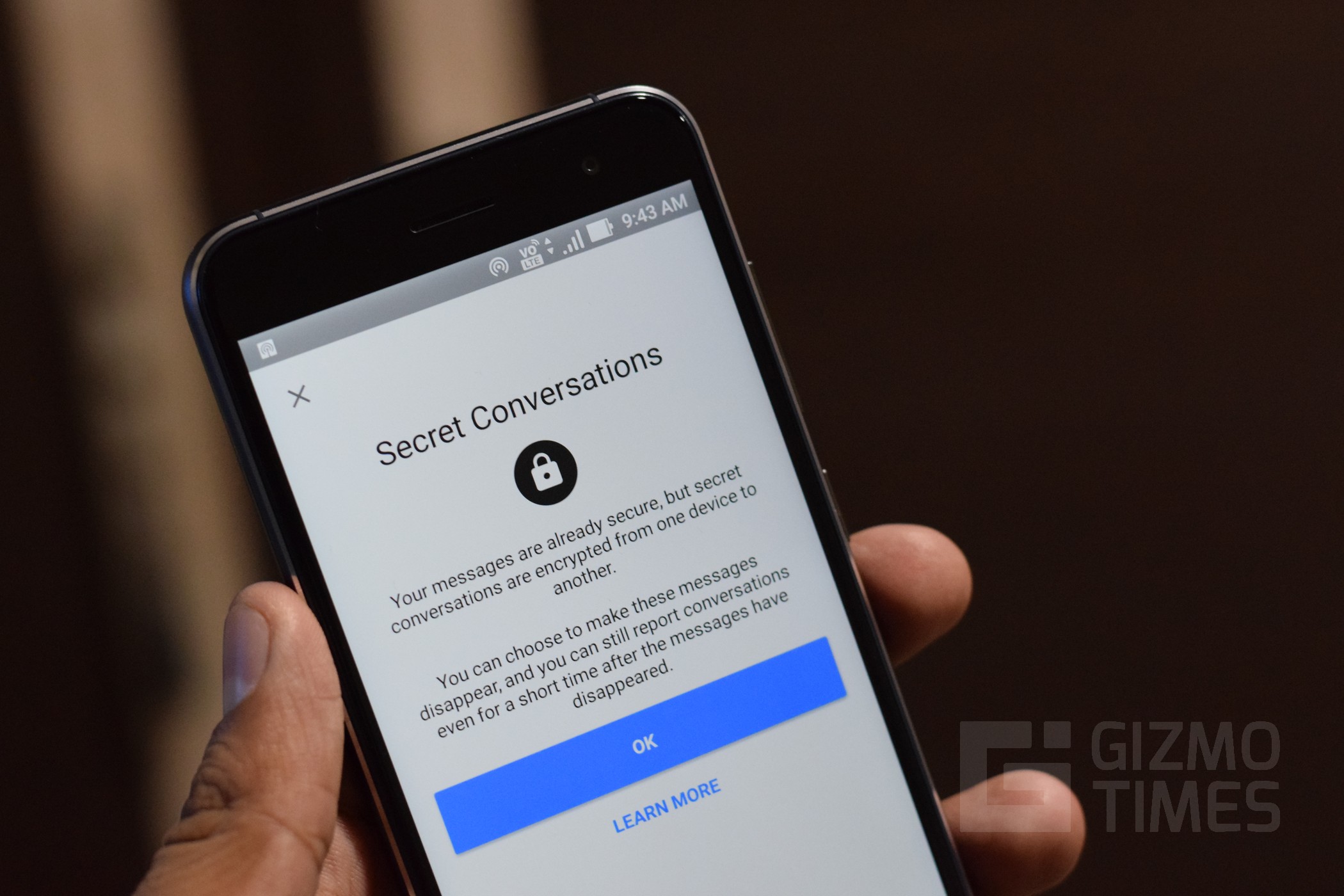
In 2026, privacy remains a top priority for billions of Messenger users worldwide. Facebook Messenger’s Secret Conversations feature lets you have fully end-to-end encrypted chats that only you and the recipient can read—no one else, including Meta, can access the content. These chats support disappearing messages (self-destruct timers from 5 seconds to 24 hours), device-specific keys for verification, and a padlock icon indicator.
what Secret Conversations are, how they work in 2026, step-by-step how-tos for Android and iOS, limitations, tips for users in areas.
What Are Secret Conversations in Messenger?
Secret Conversations use the Signal Protocol for true end-to-end encryption. Messages, photos, videos, voice notes, and calls stay encrypted on your device and the recipient’s device only. Key facts in 2026:
- Device-specific — chats are tied to the phone where you started them (not synced across devices like regular chats).
- Disappearing messages — set timers so content vanishes automatically.
- Verification — device keys let you confirm encryption.
- Availability — only in the Messenger mobile app (Android & iOS); not on web, desktop, or Facebook.com.
- Status — Meta is rolling out default end-to-end encryption for personal messages, but Secret Conversations remain the opt-in way for extra control (e.g., timers).
Note: Regular chats now often show “end-to-end encrypted” labels as rollout continues, but Secret mode adds timers and device isolation.
Why Use Secret Conversations?
- Ultimate privacy for sensitive topics.
- Auto-delete messages for no traces.
- Protection against screenshots (though recipients can still capture).
- Ideal for journalists, activists, or anyone needing extra security.
Comparison: Secret Conversations vs. Regular Messenger Chats (2026)
| Feature | Secret Conversation | Regular Messenger Chat |
|---|---|---|
| Encryption | End-to-end (Signal Protocol) | End-to-end (default rollout) |
| Message Sync Across Devices | No (device-specific) | Yes |
| Disappearing Messages/Timer | Yes (5s–24h) | Yes (in some chats) |
| Available On | Mobile app only | All platforms |
| Padlock Icon | Yes | Sometimes (as rollout) |
| Verification Keys | Yes | No |
| Best For | High-privacy needs | Everyday chatting |
Secret Conversations offer more control for sensitive talks.
How-To: Start a Secret Conversation on Facebook Messenger (Android & iOS)
Method 1: From New Message (Most Common)
- Open the Messenger app (update to latest version via Play Store/App Store).
- Tap the pencil/new message icon (top-right or bottom).
- Tap Secret (lock icon) in the top-right corner.
- Search/select the contact you want to message.
- The chat opens with a padlock icon and “End-to-end encrypted” label.
- (Optional) Tap the clock/timer icon in the text box → choose duration (5s to 24h) → messages auto-delete after viewed.
- Send your first message—encryption is active immediately.
Method 2: From Existing Chat
- Open an existing regular chat with the person.
- Tap their profile picture/name at the top.
- Scroll down → tap Go to Secret Conversation (or “Start end-to-end encrypted chat” on some versions).
- Confirm → new encrypted chat opens.
- Set timer if desired.
Verification: In the chat → tap name → Device keys or Encryption keys → compare codes with the other person in person or via secure channel to confirm no man-in-the-middle.
Note: If the option is missing, ensure Secret Conversations are enabled in settings (Profile → Privacy → Secret Conversations toggle).
How-To: Set Disappearing Messages & Manage Secret Chats
- In a Secret Conversation → tap clock icon in compose box.
- Choose time (e.g., 1 minute, 1 hour, 1 day).
- Send message—timer starts when viewed.
- To view timer status: Tap message → see countdown.
- To end chat: Tap name → End Secret Conversation (deletes for both).
Offline Tip (Mohanpur/Bihar): Chats work offline once started; timers and sending need internet sync.
Tips for Safe & Effective Use in 2026
- Only use with trusted contacts—recipients can screenshot.
- Compare device keys in person for maximum security.
- Update Messenger regularly—Meta improves encryption rollout.
- For low-data areas: Secret chats use minimal data; avoid large media.
- Combine with Messenger’s vanish mode (swipe up in regular chat) for quick private snaps.
FAQs: Secret Conversations in Facebook Messenger 2026
1. Does Facebook Messenger still have Secret Conversations in 2026?
Yes—it’s still available in the mobile app (Android/iOS). Meta is adding default end-to-end encryption to regular chats, but Secret mode keeps timers and device isolation.
2. Are Secret Conversations really private?
Yes—end-to-end encrypted; only you and the recipient can read. Meta cannot access content.
3. Can Secret Conversations be seen on desktop/web?
No—mobile app only. They won’t appear on messenger.com or Facebook chat.
4. How do I know if a chat is secret?
Look for the padlock icon next to the contact’s name and “End-to-end encrypted” label.
5. Can I set messages to disappear automatically?
Yes—tap clock icon → choose 5 seconds to 24 hours. Timer starts after viewed.
6. What if the Secret option is missing?
Update the app, check Settings → Privacy → Secret Conversations toggle, or ensure you’re on mobile (not web).
7. Are Secret Conversations available worldwide?
Yes—globally on Android and iOS, including India.
